Input
Ergonomic Keyboards Compared: Split, Mechanical, and Everything Between
Independently tested
Ergonomic keyboards range from mildly-curved rubber-dome slabs to fully split, tented, programmable rigs. We tested six across a week of real dev work — code, prose, and a lot of Slack — to find where each shines.
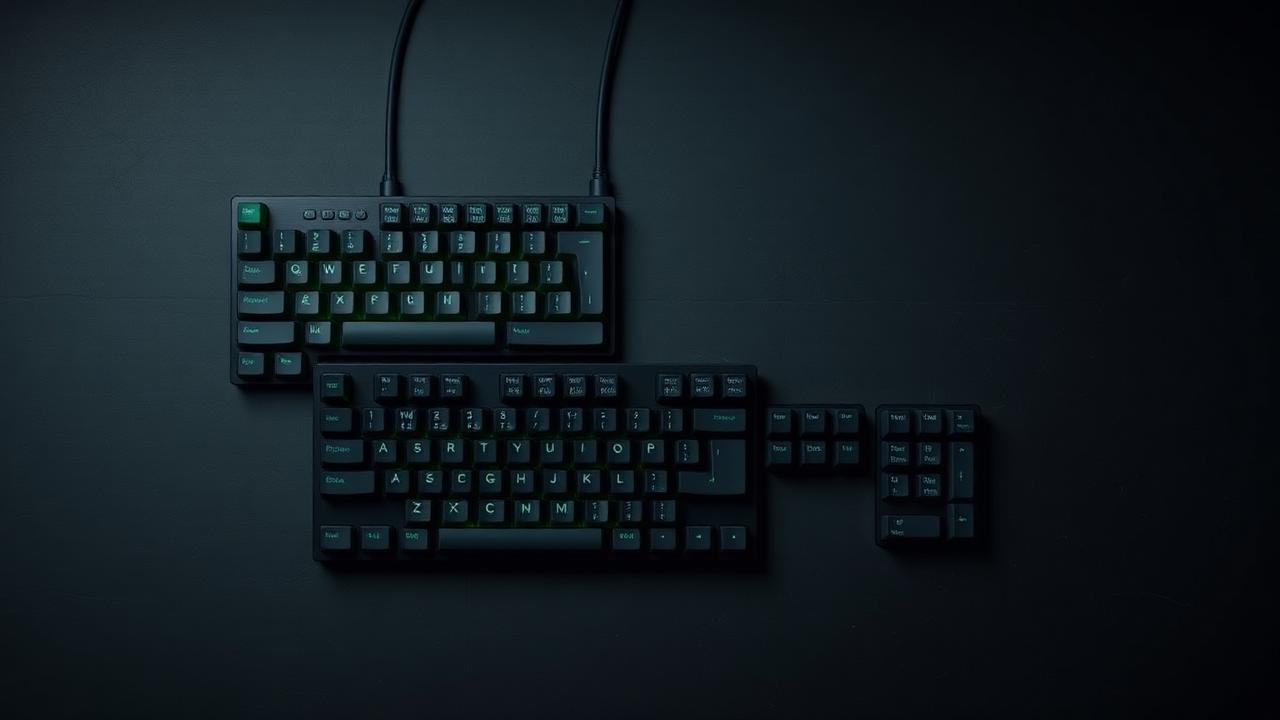
At a glance
3 products compared
| Product | Key specs | Pros & cons | Price |
|---|---|---|---|
Editor's pick Axon Split 88 |
|
| $349 Check Price on Amazon |
Easiest transition CurveKey One |
|
| $129 Check Price on Amazon |
Best for keyboard nerds OrthoStack 60 |
|
| $259 Check Price on Retailer |
Editor's pick
Axon Split 88
- LayoutSplit, tented
- SwitchesHot-swap MX
- ProgrammableFull QMK
- WirelessYes
- Adjustable tenting up to 20°
- QMK layers for real customization
- Comfortable from day two
- Steep price
- Learning curve is real
Easiest transition
CurveKey One
- LayoutCurved unibody
- SwitchesMembrane
- ProgrammableNo
- WirelessYes
- No relearning required
- Great for prose-heavy work
- Quiet
- Not mechanical
- Limited customization
Best for keyboard nerds
OrthoStack 60
- LayoutOrtholinear split
- SwitchesHot-swap MX
- ProgrammableFull QMK
- WirelessNo
- Fully programmable
- Excellent build quality
- Small footprint
- Aggressive learning curve
- Wired only