The Best Ergonomic Keyboard for Carpal Tunnel: A Programmer's Buying Guide (2026)
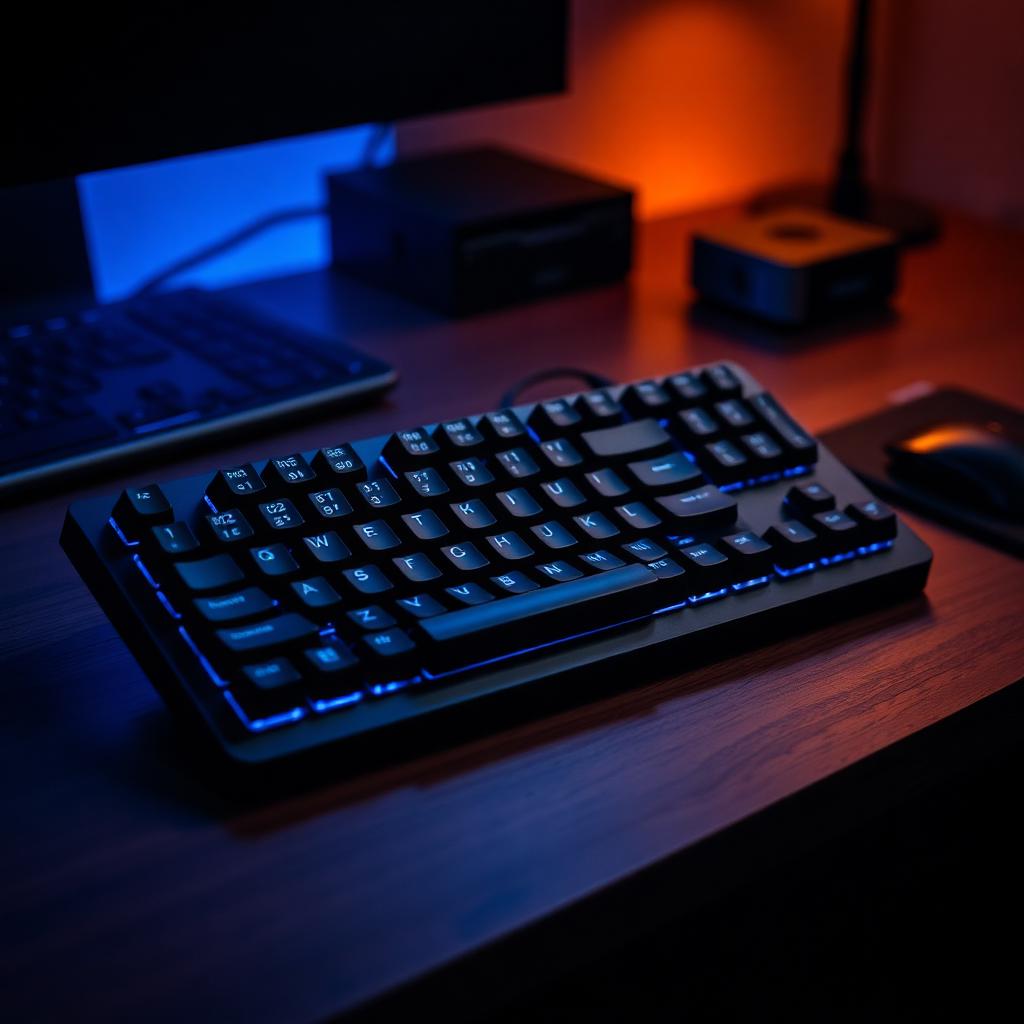
TL;DR: The best ergonomic keyboard for carpal tunnel is a split board with adjustable tenting and a negative tilt — it keeps your wrists straight, your forearms neutral, and your shoulders open. For most programmers, that means something like the ZSA Moonlander, Kinesis Advantage360, or a Microsoft Sculpt if you want a soft on-ramp. But the keyboard is only half the fix. Read on for the setup that actually stops the symptoms.
What does an ergonomic keyboard actually change?
Carpal tunnel syndrome is a mechanical problem — the median nerve is compressed as it passes through the carpal tunnel at your wrist. Two typing habits make that worse: ulnar deviation (wrists bent outward to reach the keys of a flat board) and wrist extension (the palm-heel resting on the desk while fingers reach up).
A well-designed ergonomic keyboard fixes both. Splitting the halves lets your hands sit shoulder-width apart. Tenting rotates each half so your palms face slightly inward instead of flat-down. A negative tilt (front higher than back) keeps your wrists from cocking upward. Together, they let you type in a near-neutral wrist position — the single biggest lever for reducing nerve compression.
The five features that actually matter
1. Split design. A fixed unibody 'curved' board is a mild improvement over flat. A true split (two halves connected by a cable or wireless) is a category jump. If you have symptoms, don't compromise here.
2. Adjustable tenting. Look for at least 10–15° of tent. Fixed tent is fine if the angle happens to suit you; adjustable is safer because wrist geometry varies more than most manufacturers admit.
3. Negative tilt or flat. Avoid any keyboard whose 'feet' raise the back edge — that's the opposite of what you want. A slight negative tilt (front higher than back) is ideal.
4. Low actuation force. Heavy switches force your finger tendons to work harder on every keystroke. For long coding sessions, aim for 45g or lighter with a tactile bump.
5. Programmable layers. Reducing pinky reach to modifier keys (Shift, Ctrl, Enter, Backspace) is a huge nerve-load win. QMK/ZMK firmware lets you put those on your thumbs instead of your weakest fingers.
Which ergonomic keyboards do we recommend for carpal tunnel?
Kinesis Advantage360 — the gold standard for keyboard-heavy workers with wrist pain. Deeply sculpted key wells mean your fingers travel less. Split, tentable, thumb clusters offload the pinky. Steep price and steep learning curve, but the payoff is real.
ZSA Moonlander — split, tented up to 30°, hot-swappable switches, and Oryx makes remapping approachable. This is our default recommendation for developers who want maximum ergonomic range with a modern feature set.
Glove80 — for people whose hands don't fit a standard curved-well board. Choc low-profile switches keep finger travel short, which many wrist-pain users find easier on the tendons.
Microsoft Sculpt Ergonomic — the easiest on-ramp. Not a true split (unibody curved with a small gap) but the negative-tilt palm rest and 8° tent are meaningful improvements over flat. Under $100, no relearning required. If you don't have symptoms yet and want prevention, start here.
Split vs. curved vs. flat: which is enough?
If you have no symptoms and no history: a curved unibody like the Sculpt is a reasonable baseline. It's better than flat, and the learning curve is nearly zero.
If you have occasional numbness, tingling, or fatigue: go straight to a true split with tenting. Do not spend six months trying to see if a curved board is enough — the sooner you neutralize the wrist angle, the less recovery you owe your median nerve.
If you already have a diagnosis: pair a fully split, tented, programmable board with the rest of the setup below and consult an occupational therapist about specific movement patterns. A keyboard is a necessary condition, not a sufficient one.
Newsletter
One useful workout or gear pick per week.
Written for people who live at a desk. No spam, unsubscribe anytime.
The setup around the keyboard matters as much as the keyboard
Elbow angle at or slightly above 90°. If your desk forces your forearms up, the keyboard cannot save you — get a keyboard tray or lower the desk.
No palm rest during typing. Wrist rests are for rest between typing bursts, not something to press into while you type. Pressing your wrist into a rest is exactly the mechanism that compresses the median nerve.
A vertical or contoured mouse to match. A great split keyboard paired with a flat gaming mouse leaves half the ergonomic gain on the table — the mouse hand takes just as much nerve load.
Break every 25–30 minutes for at least 60 seconds. Move the wrist through full range. This has stronger evidence for reducing symptoms than any hardware change alone.
How long does it take to adapt?
Plan for a two- to three-week productivity dip on a fully split, ortholinear board. Typing speed usually returns to baseline in three weeks and often exceeds it by week six. The first 48 hours are the hardest — resist the urge to switch back mid-day.
If you can, do the switch on a slower work week. If you can't, keep the old keyboard within reach for high-stakes typing (incident channels, live-coded interviews) for the first week only.
Frequently asked questions
Can an ergonomic keyboard cure carpal tunnel? No. It can reduce the mechanical load that aggravates symptoms, which for many people is enough. A diagnosed case still needs a clinician — usually some combination of night splinting, activity modification, and in some cases surgery.
Are mechanical switches better for carpal tunnel? Not directly. What matters is actuation force and the fact that you don't have to bottom out on each key. A light tactile mechanical switch (35–45g) is usually easier on the tendons than a heavy rubber-dome.
Is a wireless split keyboard worth it? For most desks, yes — one fewer cable pulling on your keyboard position. Battery life on modern ZMK builds is measured in months, not days.
Do I need programmable layers if I have wrist pain? Yes. The single highest-leverage remap is moving Backspace and Enter off the pinky and onto a thumb key. Almost every ergonomic board supports it.
The Active Nerds Team
Engineers and lifters writing practical fitness content for people who spend their day at a keyboard.